

Description
Download Moviethek APK – Free Media & Video App for Android
Overview
Moviethek is a free media and video application designed for Android users who want to organize and track their movie-watching journey. Developed by Zinulla Mobile, the app aims to help users maintain a personal movie collection and stay on top of films they’ve seen, want to watch, or are currently viewing. It serves as a digital assistant for movie enthusiasts, offering a structured way to manage personal film libraries and viewing habits. The app is particularly useful for individuals who enjoy keeping detailed records of their cinematic experiences, whether for personal satisfaction, social sharing, or long-term tracking.
Target users include casual movie watchers, cinephiles, and those who appreciate digital organization in their entertainment routines. The app’s focus on collection management and tracking aligns with common needs among users who want to avoid losing track of titles, release dates, or personal ratings. While the developer did not provide detailed background information, the app’s presence on APKPure suggests a focus on accessibility and direct distribution. Real-world usage scenarios include maintaining a watchlist, logging completed films, and monitoring progress toward personal viewing goals.
Key Features & Capabilities
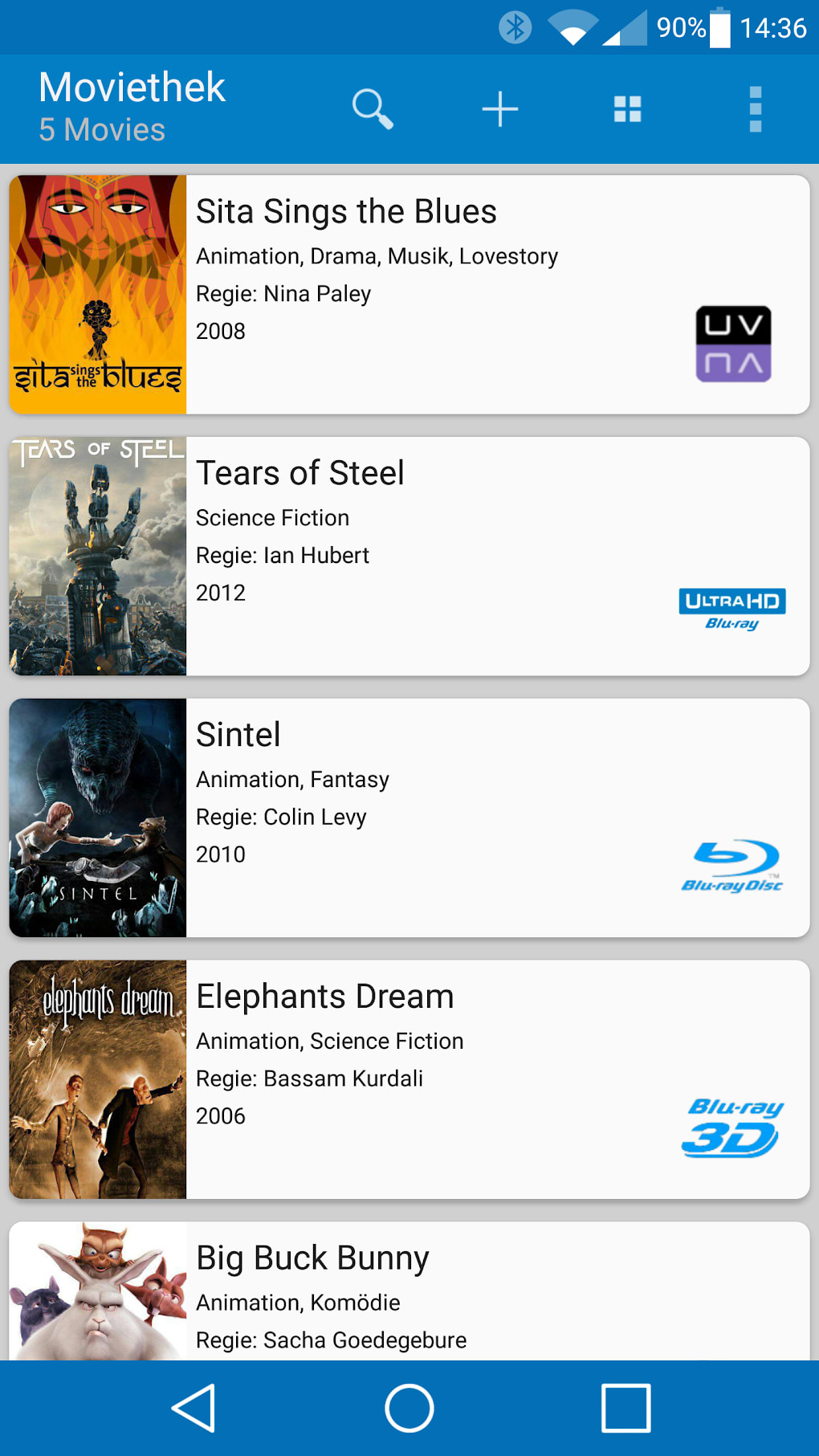
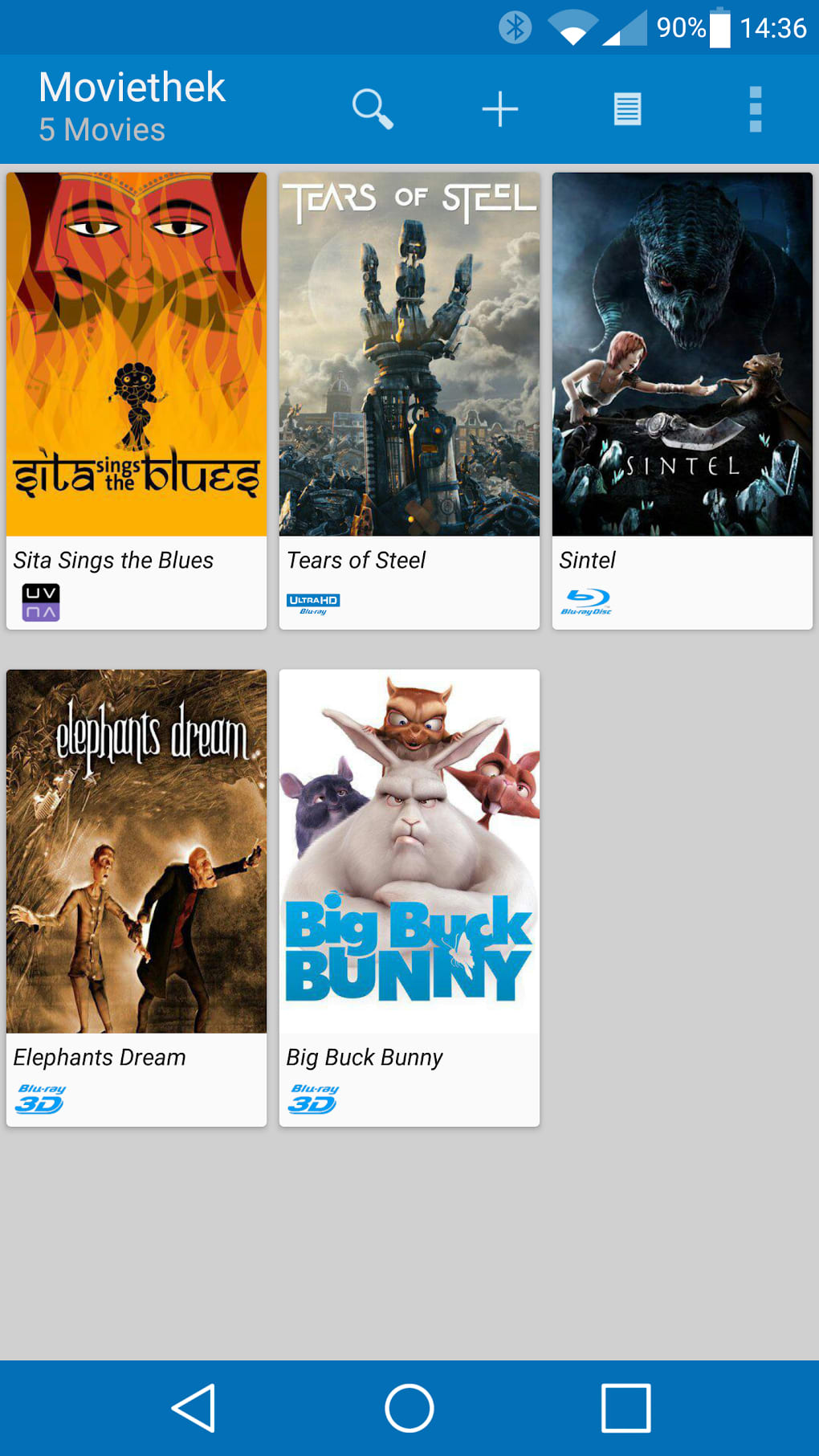
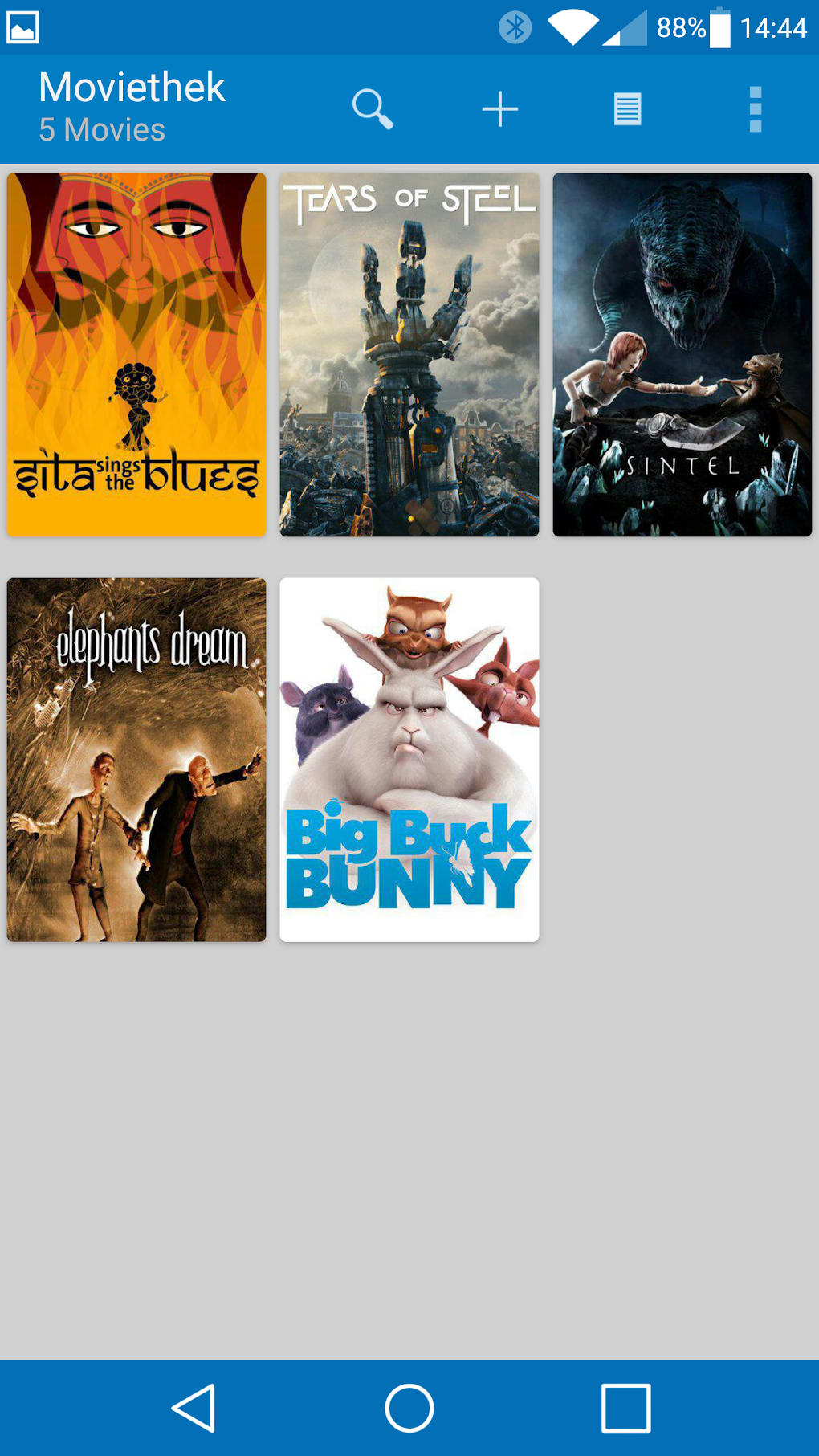
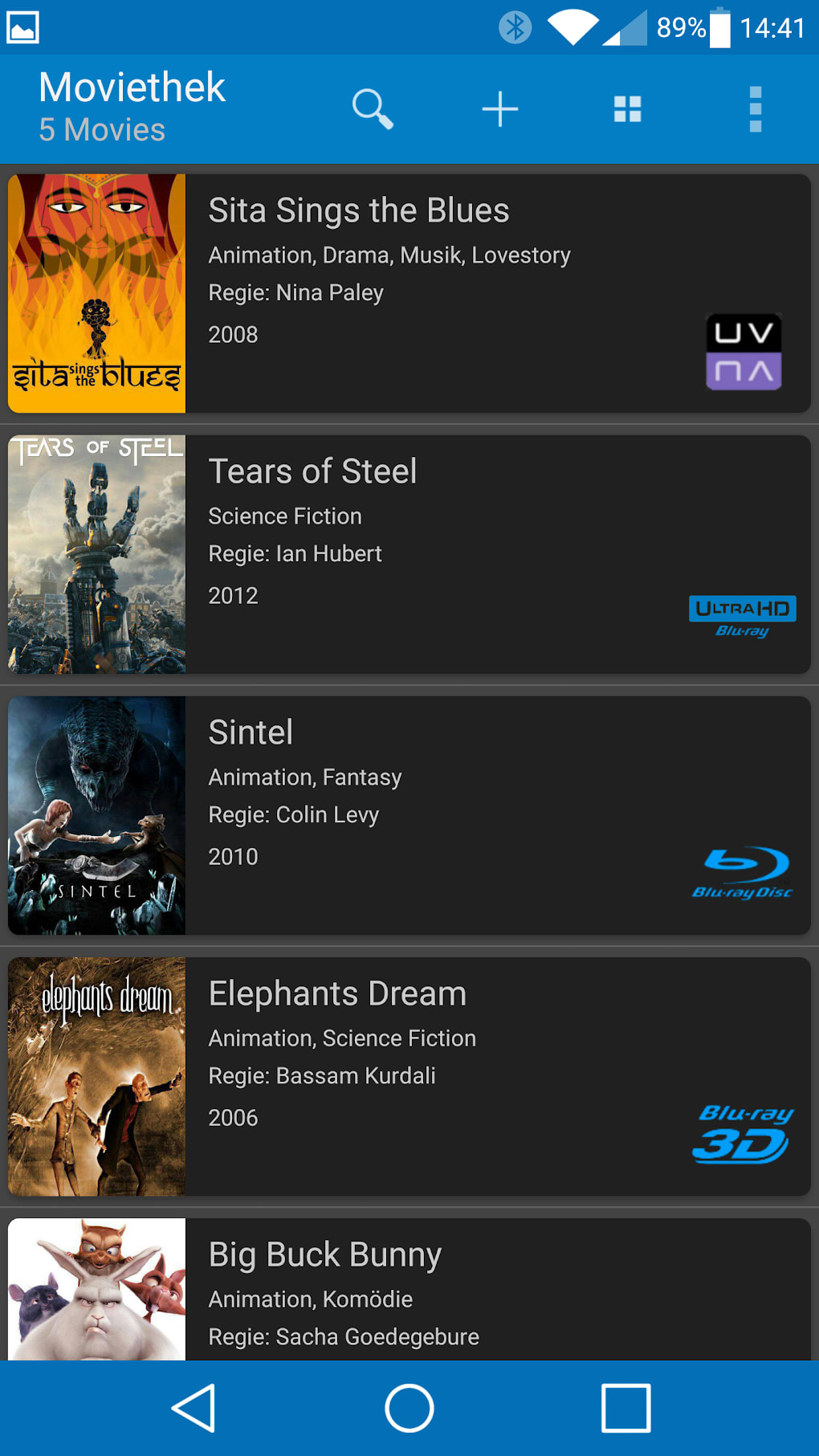
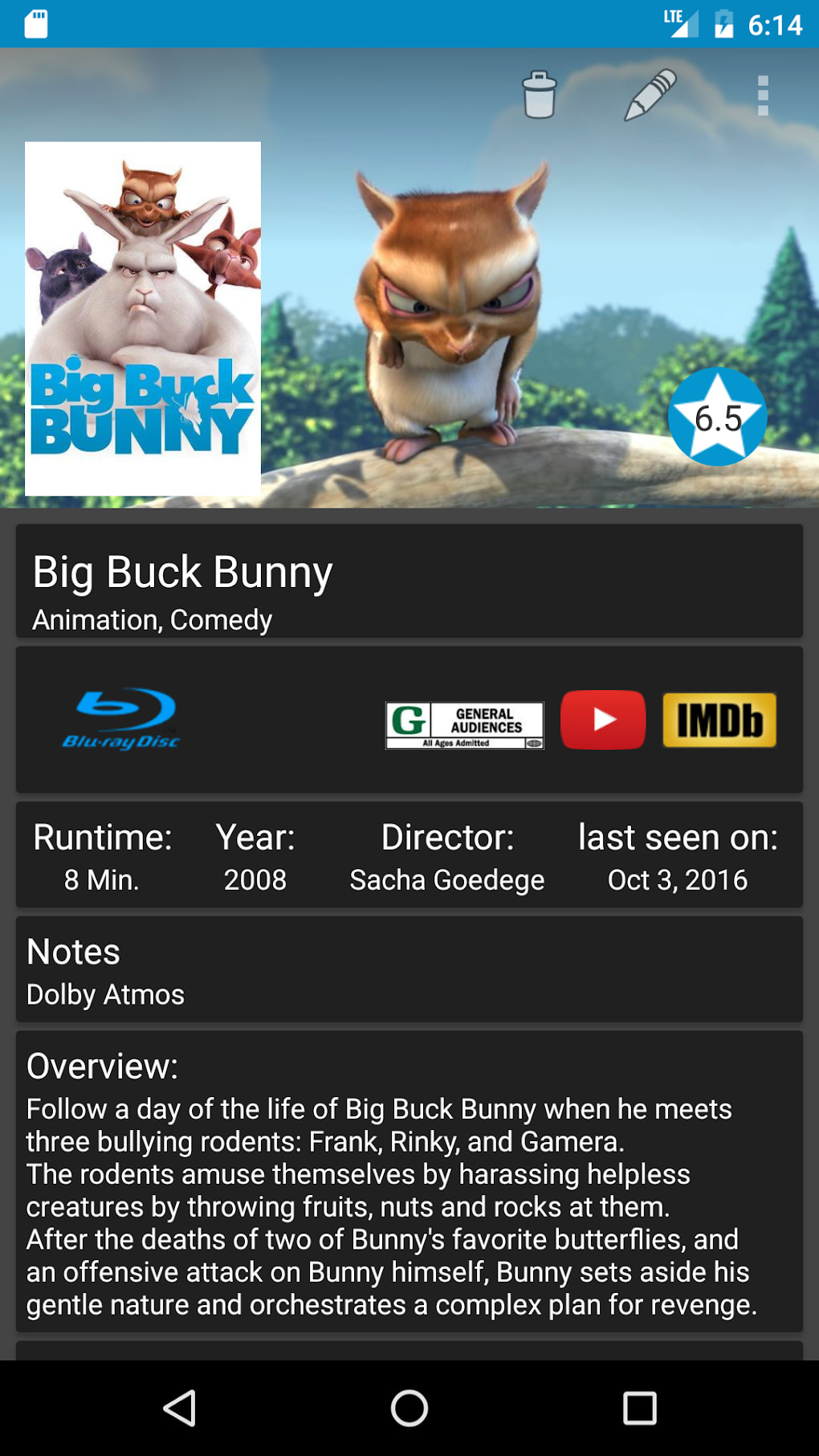
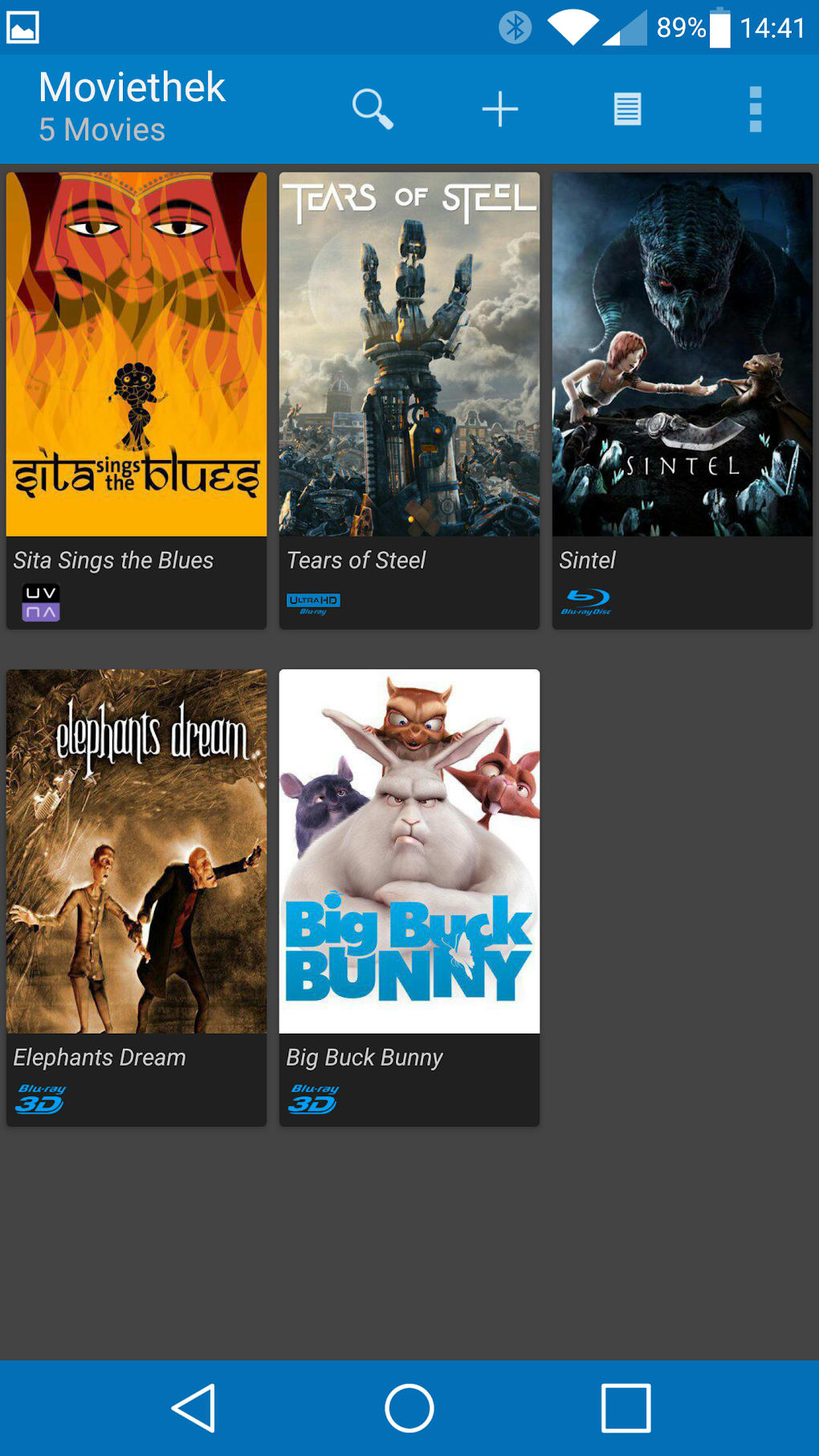
- Personal Movie Collection Management – Users can add, edit, and categorize movies within their digital library, making it easy to keep track of films across multiple genres and release years.
- Viewing Status Tracking – The app allows users to mark movies as “To Watch,” “Watching,” or “Completed,” helping them stay organized and monitor their progress.
- Watchlist and Progress Monitoring – A dedicated feature enables users to maintain a curated list of films they intend to watch, with visual indicators showing overall completion rates.
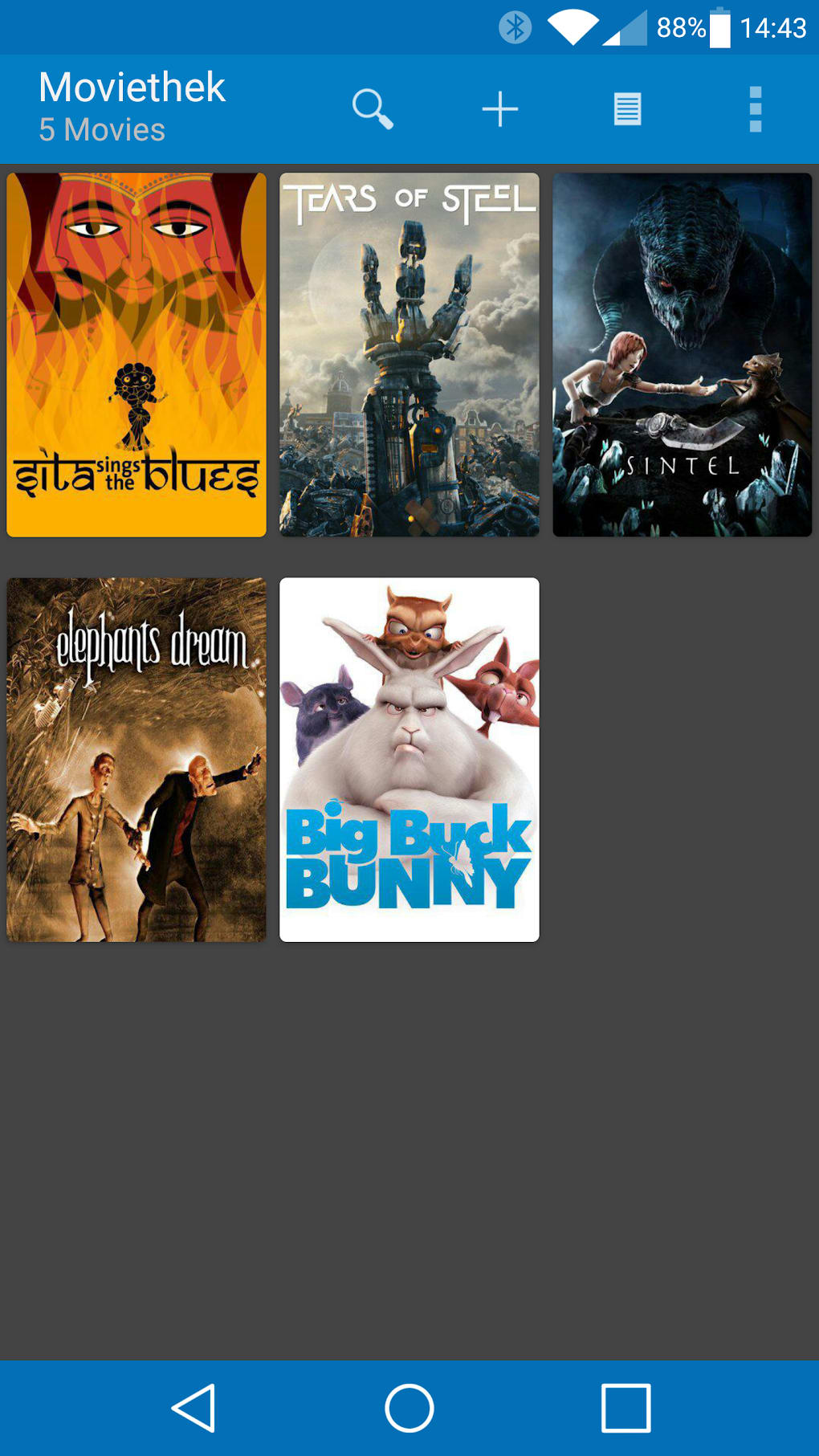
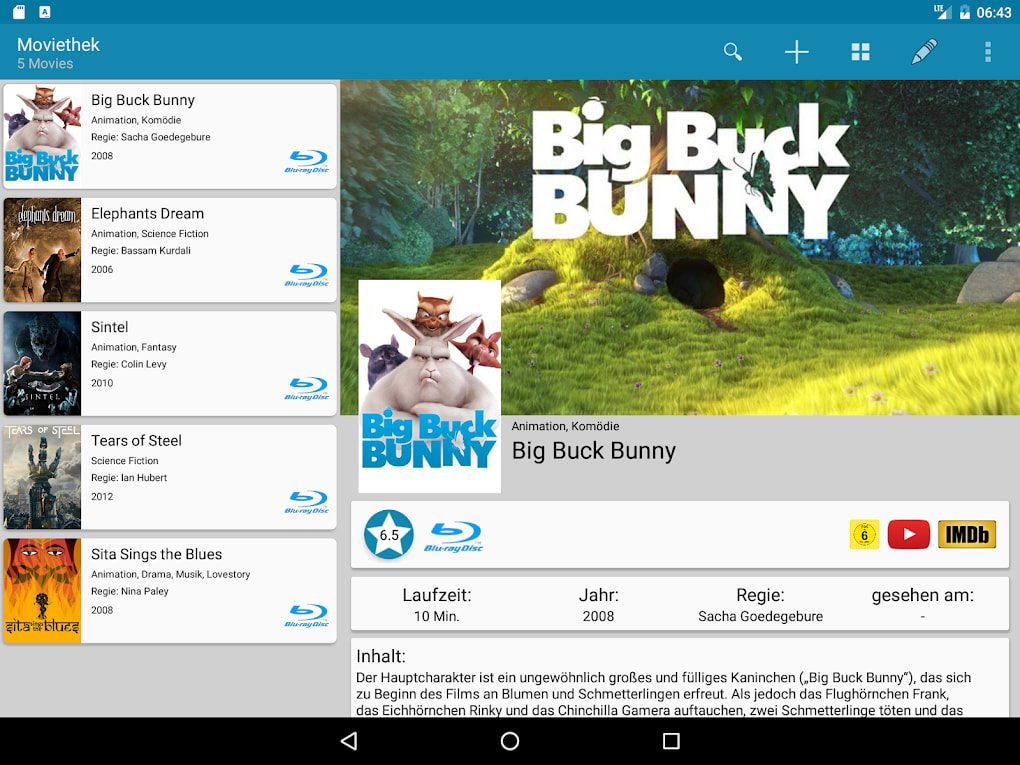
- Simple and Intuitive Interface – Designed with ease of use in mind, the app provides straightforward navigation for adding, filtering, and searching movies.
- Offline Functionality – All data is stored locally on the device, allowing users to access their collection and tracking details without an internet connection.
These features support users in building a personalized cinematic journey. For example, a user can create a “Top 100 Films” list and track their progress toward watching each one. The app’s design encourages consistent engagement by providing visual feedback on viewing habits and achievements. Since no cloud sync or social sharing features were mentioned, the app appears to prioritize privacy and simplicity over connectivity.
User Interface, Workflow & Performance
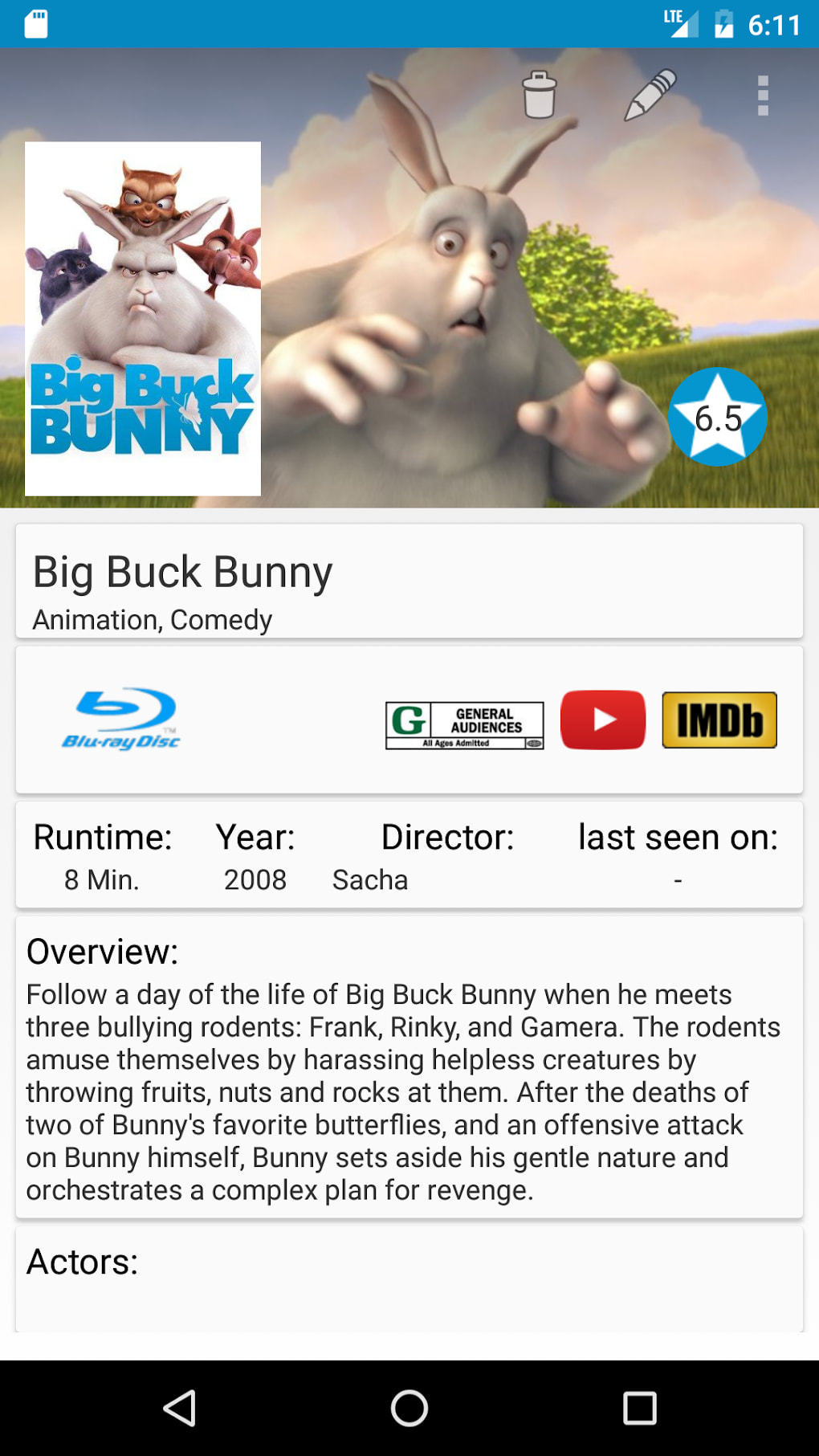
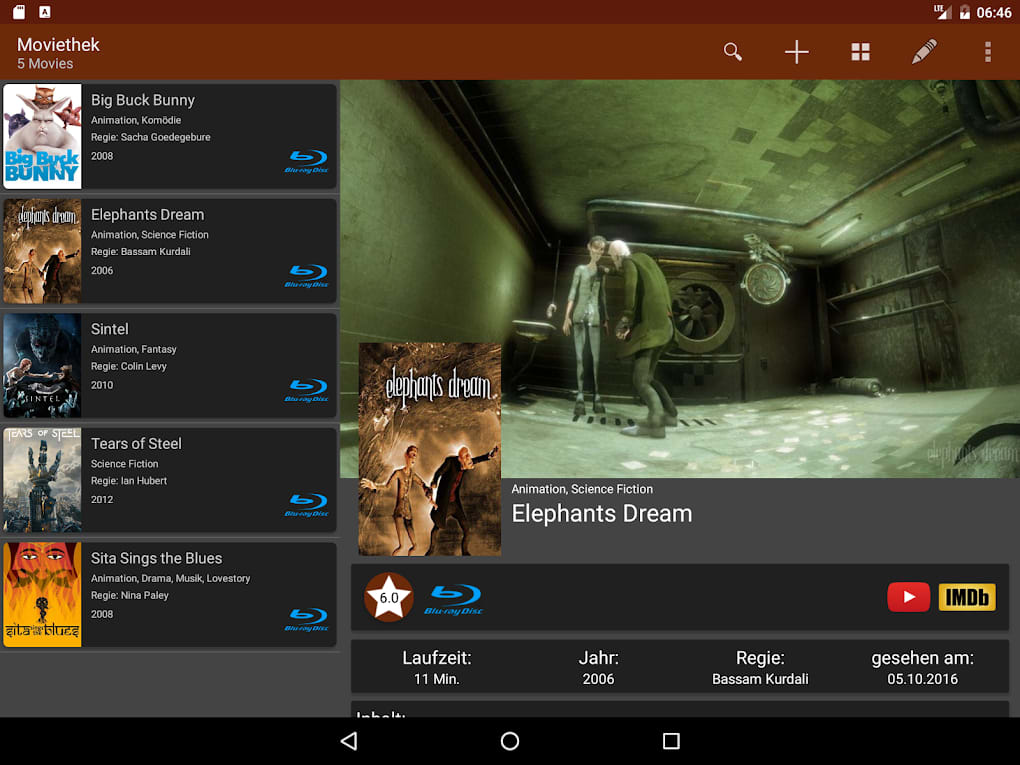
Moviethek features a clean, minimalist user interface that prioritizes functionality over visual flair. Navigation is structured around core actions: viewing the collection, updating status, and managing the watchlist. The app’s workflow is linear and intuitive, allowing users to add a new movie with minimal steps. Menus are accessible through a bottom navigation bar or side drawer, depending on screen size, ensuring consistent access to key functions.
Performance observations are based on general software behavior patterns. The app is designed to operate efficiently on Android devices, with no reported issues related to lag or crashes. The developer did not specify resource usage details, so CPU and RAM behavior cannot be confirmed. Stability appears to be consistent with similar lightweight Android applications. Users can expect smooth transitions between screens and quick response times when interacting with lists or forms. The app does not rely on constant background processes, which contributes to efficient battery usage.
Compatibility & System Requirements
Moviethek is designed for Android devices and is available as an APK file for direct download. The latest version is 1.0.5, released on March 15, 2024. The app has a file size of 27.7 MB, which is relatively compact for a media management tool. This size suggests the app is optimized for devices with limited storage capacity. The developer did not provide specific details about minimum Android versions or hardware requirements. Compatibility information was partially provided, and users are advised to ensure their device supports APK installations. No official compatibility with iOS or desktop platforms was mentioned.
Pros and Cons
Pros
- Free to download and use with no in-app purchases
- Lightweight design with a small file size (27.7 MB)
- Offline functionality ensures data privacy and accessibility
- Simple, intuitive interface suitable for all user levels
- Effective movie tracking with customizable viewing statuses
Cons
- No cloud sync or cross-device access
- Limited to Android platform; no iOS or desktop version available
- Developer did not provide detailed system requirements
- No integration with external movie databases or APIs
- Basic design with minimal customization options
FAQ Section
Is Moviethek safe to download?
Moviethek is available for free download on APKPure, a reputable third-party app marketplace. The app does not require excessive permissions and operates primarily with local data storage. Users should ensure their device allows installations from unknown sources, but no security risks were reported in the app’s description.
Can I use Moviethek offline?
Yes, Moviethek stores all data locally on the device, allowing full functionality without an internet connection. This feature is ideal for users who value privacy or have limited connectivity.
Does Moviethek support syncing across devices?
There is no information indicating that Moviethek supports cloud sync or cross-device access. All data remains stored on the device where the app is installed.
How often is Moviethek updated?
The latest version, 1.0.5, was released on March 15, 2024. While update frequency is not specified, the most recent release suggests ongoing maintenance.
Is Moviethek available for iOS or desktop?
Moviethek is currently only available for Android devices. No versions for iOS, Mac, or Windows were mentioned in the provided information.
Final Thoughts
Moviethek delivers a straightforward and effective solution for Android users seeking to organize their movie collections and track their viewing progress. With its lightweight design, offline capabilities, and free access, it stands out as a practical tool for cinephiles and casual viewers alike. While it lacks advanced features like cloud sync, social sharing, or database integration, its simplicity makes it accessible and reliable for personal use. The app is best suited for individuals who prioritize privacy, ease of use, and minimalism in their digital tools. For those looking to keep a personal film log without complexity, Moviethek offers a solid foundation. Download Moviethek now and take control of your movie-watching journey.
Guides & Tutorials for Moviethek APK
How to install Moviethek APK
- Click the Preview / Download button above.
- Once redirected, accept the terms and click Install.
- Wait for the Moviethek APK download to finish on your device.
How to use Moviethek APK
This software is primarily used for its core features described above. Open the app after installation to explore its capabilities.
User Reviews for Moviethek APK 0
No reviews found





